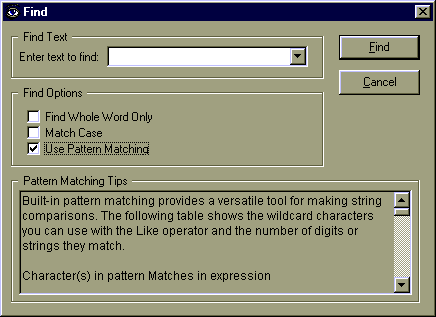
Find Window
The Find Window is where you can perform the most powerful searches. It
allows you to specify all the available options for searching: whole word only, case
matching and pattern matching support.
The Find Text entry area will remember up to 10 of your previous searches.
Just click on the little down arrow to review the previous searches.
The Find Options area will also remember its previous settings. The default is
to have all the check boxes unchecked. If you check off any of them and click
Find it will remember the settings for the next time you enter the Find
Window. It will even use these settings in the Quick Search combo box on the Main Window
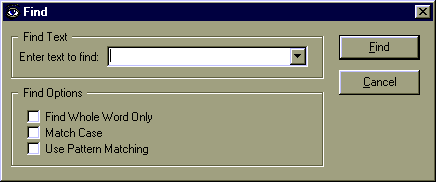 If you click the Use Pattern Matching check box, the Find window will expand
to show you some help on the various features of pattern matching.
If you click the Use Pattern Matching check box, the Find window will expand
to show you some help on the various features of pattern matching.